




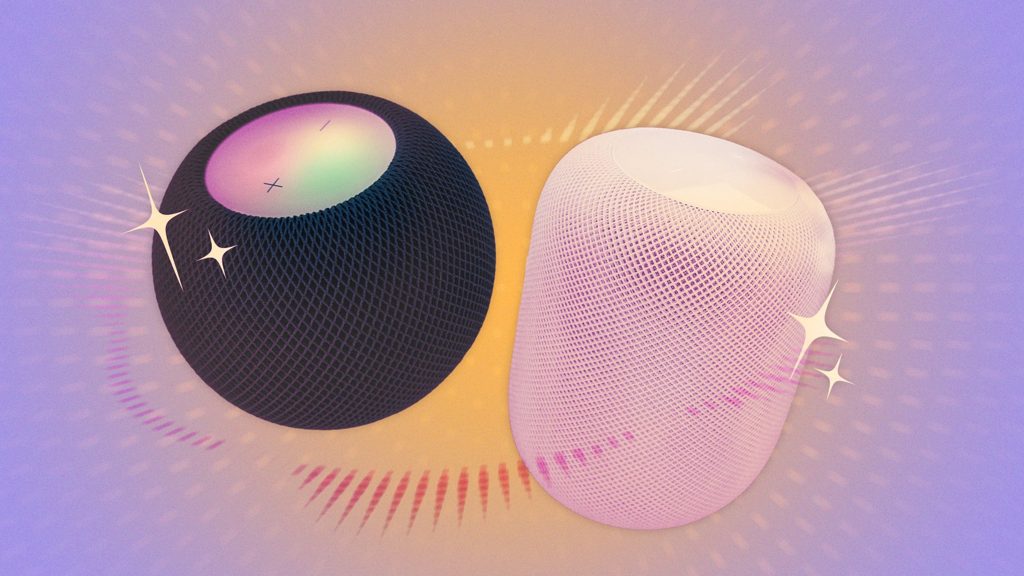
UPDATE: Apple users are discovering essential hacks for optimizing their HomePod experience as of October 2023. These tips are crucial for anyone looking to enhance functionality and troubleshoot issues with their smart speaker.
With the HomePod’s mixed reputation among users, these newly revealed hacks aim to improve performance and unveil hidden features that could transform how you interact with your device. Here’s what you need to know RIGHT NOW.
First, ensure your HomePod is in a location with a strong Wi-Fi signal. Users report that weak connections can lead to frustrating performance issues. To check your connection, go to the Home app on your iPhone, select your HomePod, and navigate to Accessory Settings. For optimal results, consider connecting to the 2.4GHz band if your router has multiple bands.
Pairing your HomePod with an Apple TV is another game-changer. This connection not only stabilizes performance but also allows for seamless audio output. Users find that switching on their Apple TV automatically triggers the HomePod, eliminating the need for manual adjustments.
For those with a HomePod mini, using two in a stereo pair dramatically enhances audio quality. This setup is especially impressive when paired with an Apple TV, delivering a cinematic sound experience that will elevate your movie nights.
Additionally, the HomePod’s HDMI ARC feature enables users to connect their gaming consoles, like the PS5 and Xbox, enhancing audio output from these devices. However, ensure your setup includes an Apple TV 4K, and check your TV settings for ARC, eARC, or HDMI-CEC options to activate this functionality.
HomePods can also serve as a smart home hub, compatible with various HomeKit devices. While this feature is often overlooked, it allows users to control lights, doors, and cameras, promoting a privacy-focused smart home experience. It’s crucial to place your HomePod strategically—ideally 6-10 inches from walls—to maximize its audio capabilities.
To keep your personal data secure, review your Siri settings. If you’ve shared analytics data with Apple, consider disabling this feature through the Home app to prevent audio from being sent to Apple’s servers.
Moreover, the HomePod can function as an intercom, allowing you to send voice messages throughout your home. Simply command Siri with “Intercom, it’s time for dinner,” and your message will relay to all HomePods in the house.
Finally, explore the creative potential of automation routines. Set your HomePod to play relaxing music in the morning and jazz at sunset using Apple’s Shortcuts app. This feature allows for tailored experiences that can significantly enhance daily routines.
These hacks are not just useful; they’re essential for maximizing your HomePod’s capabilities. As Apple continues to innovate, staying updated on these features ensures you get the most out of your smart speaker. Share this article to help fellow HomePod users elevate their experience today!