



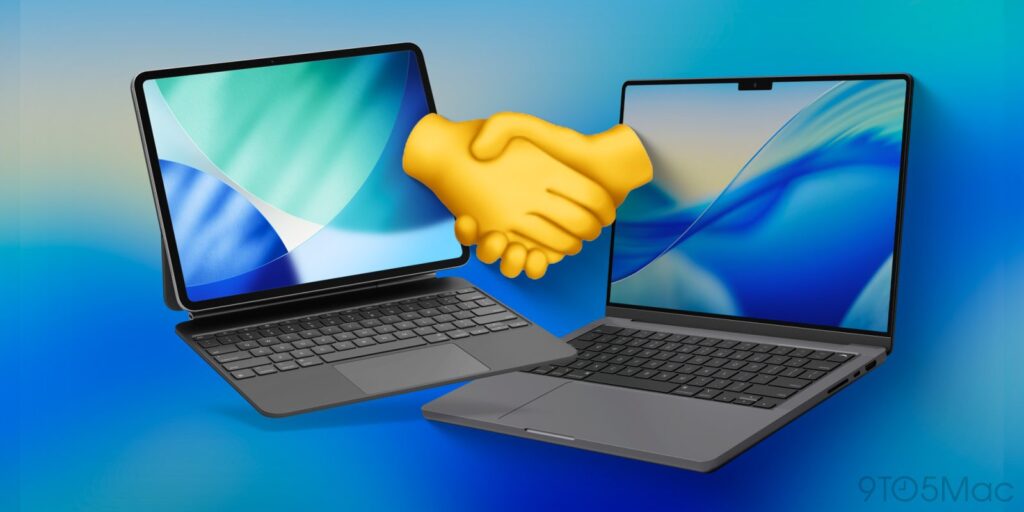
Apple’s ecosystem continues to foster seamless integration between its devices, particularly macOS and iPadOS. This collaboration has generated notable features designed to enhance user productivity. By leveraging tools such as Universal Control, Sidecar, and Handoff, users can experience a more cohesive workflow across devices.
Key Features of the Apple Ecosystem
For nearly a decade, many users have embraced the iPad as more than just a tablet. It has transformed into a primary computing device for countless individuals. Despite common misconceptions that the iPad is meant to compete with the MacBook, Apple designed these devices to work in harmony.
One standout feature, Sidecar, allows users to transform their iPad into a portable external display for a Mac. This capability enables users to extend their screen or mirror their Mac’s display, providing flexibility in various tasks. Users can even utilize the Apple Pencil in macOS applications, making this feature particularly appealing. For instance, an iPad Air, priced at approximately $499, can serve as a cost-effective alternative to purchasing a separate portable display.
Another significant tool is Universal Control, which allows users to operate both an iPad and a Mac using a single keyboard and mouse. This functionality creates a seamless experience, making it feel as though users are navigating two screens on a single device. The ability to drag and drop files directly between the devices streamlines workflows considerably.
Enhancing Everyday Tasks
Apple’s ecosystem also includes features designed to simplify everyday tasks. One such feature is the ability to edit screenshots taken on a Mac. Users can annotate these screenshots directly using their iPad and Apple Pencil. Once edits are complete, the modified screenshot automatically appears on the Mac desktop, eliminating the need for tedious file transfers.
The Universal Clipboard feature allows users to copy text, images, or files on one Apple device and paste them onto another almost instantly. This functionality is particularly useful for transferring links, notes, or small images between a Mac and an iPad.
Another tool, Handoff, allows users to start a task on one device and continue it on another without interruption. For example, if a user begins writing in the Notes app on a Mac, they can pick up right where they left off on their iPad. This feature is supported by several Apple applications, enhancing the overall productivity experience.
Final thoughts on the integration of macOS and iPadOS reveal a system that few other technology companies can match. Users do not need to invest in high-end devices to benefit from these features; even entry-level models, such as the Mac mini or MacBook Air paired with a standard iPad, can unlock the same functionalities discussed.
The synergy between Apple’s devices continues to redefine productivity. As users explore these features and tools, they often discover their own “magic moments.” The potential for enhanced productivity and streamlined workflows is vast, inviting users to rethink how they utilize their devices. What are your experiences with the Apple ecosystem? Have you explored the features mentioned above?